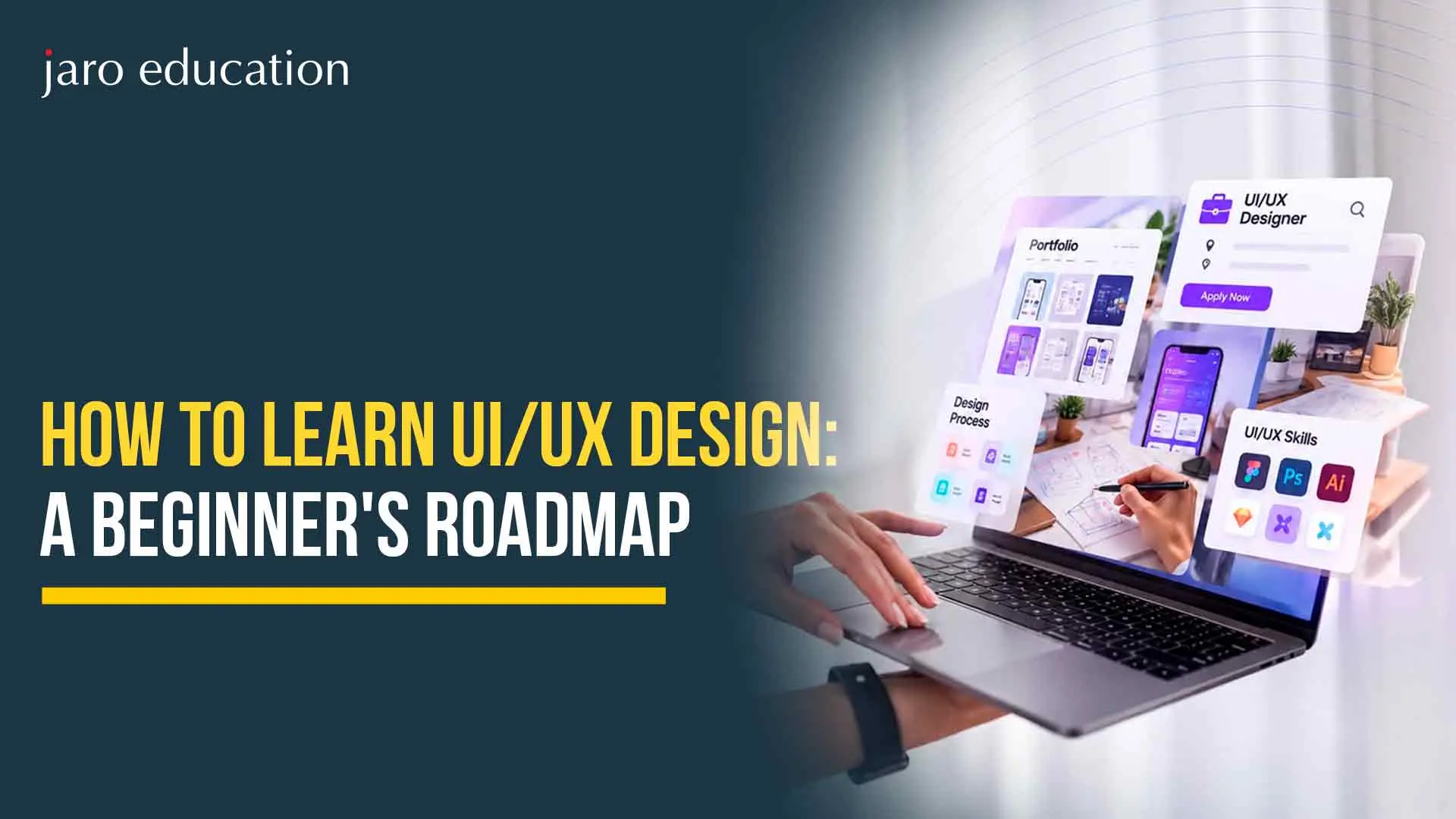
UI UX Design for Beginners: Understanding the Basics
Why UI UX Design Is a Smart Career Choice
How to Learn UI UX Design: Start with the Fundamentals
How to Become a UX Designer: Learn the Research Process
Key Insights
UI and UX design serve different purposes, with UX focusing on how a product works and UI focusing on its visual appearance. Both are essential for creating user-friendly digital products.
Beginners should start with design fundamentals such as color theory, typography, visual hierarchy, usability, accessibility, and human-centered design.
Understanding the UX research process, including research, defining problems, ideation, prototyping, testing, and iteration, helps designers create solutions based on real user needs.
Building practical projects, seeking regular feedback, and creating a portfolio with three to five strong case studies can help demonstrate design skills to potential employers.
In this blog, you'll learn how to learn UI/UX design from scratch, essential tools like Figma, key technical and professional skills, portfolio-building tips, career opportunities, and structured learning options through IIT Bombay.
Every app you open, every website you browse, and every digital product you use was shaped by someone who thought carefully about how it should look and feel. That person is often a UI or UX designer. As digital products become a part of daily life, the demand for skilled designers keeps growing, and many beginners ask the same question: how to learn UI UX design without feeling overwhelmed? The good news is that you do not need to be an artist or a programmer to begin. You need curiosity, a clear plan, and steady practice. For those who want a structured, institute-backed path, the e-Postgraduate Diploma in Interaction Design (ePGD IxD) from IDC School of Design, IIT Bombay offers a rigorous way to learn UI UX design while continuing to work. In this blog, we walk through a simple, step-by-step roadmap to help you start with confidence.
UI UX Design for Beginners: Understanding the Basics
Before you open any design tool, it helps to understand what these two terms actually mean. They are often used together, but they describe different parts of the same process.
UX (User Experience) design focuses on how a product works and how it feels to use. A UX designer studies users, identifies their problems, and shapes the journey so that tasks feel simple and logical. Think of how easily you can book a train ticket or reorder food. That smooth experience is the result of careful UX thinking.
UI (User Interface) design focuses on the visual layer of a product. This includes colors, typography, buttons, icons, spacing, and layout. A UI designer makes sure the product looks clear, consistent, and pleasant.
A simple way to remember the difference: UX decides how a product works, while UI decides how it looks. Strong products need both. When you study UI UX design for beginners, you will learn to think about people first and visuals second, because even the most attractive screen fails if users cannot understand it.
Companies across industries, including banking, healthcare, retail, education, and technology, now compete on the quality of their digital experiences. This has created steady demand for designers who can turn user needs into usable products.
The field is also welcoming to people from different backgrounds. Many successful designers started in engineering, writing, marketing, architecture, or graphic design. Your earlier experience often becomes an advantage, because design draws on communication, empathy, logic, and creativity together. If you are looking for a career that blends problem-solving with creative expression, this is a strong option to consider.
How to Learn UI UX Design: Start with the Fundamentals
The first step in how to learn UI UX design is to build a solid foundation. Resist the urge to jump straight into software. Begin with the core ideas that guide every good design decision.
Design principles: Learn about balance, contrast, hierarchy, alignment, and consistency. These principles help you arrange information so that users know where to look first.
Color and typography: Understand how color affects mood and readability, and how different typefaces change the tone of a product.
Usability heuristics: Study well-known guidelines, such as visibility of system status, error prevention, and consistency. They give you a practical checklist for evaluating any screen.
Human-centered design: Learn to place real people at the center of every decision, rather than designing for personal taste.
Accessibility: Good design works for everyone, including people with visual, motor, or cognitive differences. Learn about color contrast, readable text sizes, and clear labels from the beginning.
Books, free articles, and introductory video lessons are enough to cover this stage. Spend two to four weeks here, and try to analyze the apps you use daily. Ask yourself why a button is placed where it is, and what would confuse a first-time user.
How to Become a UX Designer: Learn the Research Process
If your goal is to understand how to become a UX designer, you must learn that design begins with research, not with drawing screens. Professional designers follow a process, and understanding it will set you apart from those who only focus on visuals.
A typical UX process includes the following stages:
Research: Talk to users through interviews, surveys, and observation to understand their needs, habits, and frustrations.
Define: Turn your findings into a clear problem statement, user personas, and journey maps.
Ideate: Sketch multiple ideas and explore different ways to solve the problem.
Prototype: Build low-fidelity wireframes first, then move to interactive, high-fidelity prototypes.
Test: Put your prototype in front of real users, observe where they struggle, and refine the design.
Iterate: Repeat the cycle until the experience works well.
This process is flexible. You will move back and forth between stages as you learn more. What matters is the habit of validating your ideas with real users instead of relying on assumptions. Both qualitative research (interviews and observation) andquantitative research (surveys and usage data) are valuable, so try to become comfortable with each.
Once you understand the basics and the process, it is time to pick up the tools. The good news is that most modern design tools are beginner-friendly and offer free plans.
Figma: Widely used for interface design, prototyping, and team collaboration. It runs in a browser, which makes it easy to start.
Adobe XD or Sketch: Alternatives that many teams still use, although Figma is the most common choice today.
Miro or FigJam: Useful for brainstorming, journey mapping, and organizing research.
Basic prototyping tools: These help you link screens together so you can simulate how an app behaves.
Do not try to master every tool. Choose one, learn it well, and focus on what you can create with it. Start by recreating screens from apps you admire. This exercise teaches you spacing, alignment, and component structure much faster than watching tutorials alone. Remember that tools change over time, whiledesign thinkingremains valuable for your entire career.
Learn UI UX Design by Building Real Projects
Theory becomes useful only when you apply it. The most effective way to learn UI UX design is to work on small but complete projects. Here are some beginner-friendly ideas:
Redesign the onboarding flow of an app you find confusing.
Create a mobile app concept for a local problem, such as tracking household expenses or booking neighborhood services.
Design a simple website for a small business or a community group.
Improve the checkout process of an online store and explain why your changes help.
For each project, document your process. Write down who your users are, what problem you identified, what ideas you explored, what feedback you received, and how the design changed. Hiring managers value this thinking even more than the final screens, because it shows how you solve problems.
Try to also seek feedback regularly. Share your work with peers, join design communities, and ask for honest critique. Learning to accept feedback gracefully is one of the most important professional skills in this field.
Build a Portfolio That Tells Your Story
Your portfolio is your most important asset when you apply for design roles. It matters more than any certificate because it shows what you can actually do.
Aim for three to five strong case studies rather than many weak ones. Each case study should clearly explain the problem, your role, your research, your design decisions, and the results or learnings. Use simple language, show your sketches and wireframes along with the final screens, and be honest about what you would improve.
Present your portfolio on a clean personal website or a trusted platform. Keep the navigation simple and make your best work easy to find. After all, a portfolio is also a test of your design skills.
Develop the Skills Employers Look For
Technical skill alone does not make a great designer. Employers also look for a set of professional abilities that you should build alongside your craft:
Empathy: The ability to understand users and see problems from their point of view.
Communication: Explaining your decisions clearly to developers, managers, and clients.
Collaboration: Working with product managers, engineers, and other designers in a team.
Critical thinking: Asking why something is needed before deciding how to design it.
Business awareness: Connecting design choices to goals such as customer satisfaction and growth.
It also helps to learn the basics of how developers work. You do not need to write code, but understanding concepts such as responsive layouts and design systems will help you create designs that can be built well.
Enroll in the ePGD in Interaction Design from IIT Bombay
If you are serious about building a career in design and want guidance from experienced faculty, the e-Postgraduate Diploma in Interaction Design (ePGD IxD) from IDC School of Design, IIT Bombay, offered in association with Jaro Education, is a strong next step. The programme is designed for working professionals, including designers, product managers, software professionals, and those moving into design from other fields. Learners can complete the 36 credits within three years, choose from a range of courses, and earn a diploma issued by IIT Bombay. With faculty mentorship, practical projects, and a flexible format, you can gain the skills and credibility needed to move forward in this field
Want to know more? Connect with our expert to get complete details and guidance.
Learning design is a journey, not a race. Start with the fundamentals, understand the research process, practice with a tool like Figma, build real projects, and present them in a thoughtful portfolio. Along the way, seek feedback, stay curious, and keep improving. Whether you teach yourself or choose a structured programme, consistency matters more than speed. With patience and the right roadmap, anyone can learn UI UX design and build a meaningful career creating products that people enjoy using.
Frequently Asked Questions
Yes. Many successful designers come from non-design backgrounds such as engineering, marketing, or writing. With a clear roadmap, regular practice, and good feedback, beginners can build the required skills step by step.
The timeline varies by person. With consistent effort, many learners build job-ready foundations in about six to twelve months. Structured programmes can add depth, mentorship, and credibility to that journey.
Coding is not mandatory. However, a basic understanding of how websites and apps are built helps you collaborate with developers and design solutions that are practical to implement.
AI tools are becoming useful for speeding up tasks such as generating ideas or drafting layouts. However, understanding people, conducting research, and making thoughtful design decisions still require human judgment. Designers who learn to use AI tools well will likely have an advantage.
Shubham Lal
Lead Software Developer
Shubham Lal joined Microsoft in 2017 and brings 8 years of experience across Windows, Office 365, and Teams. He has mentored 5,000+ students, supported 15+ ed-techs, delivered 60+ keynotes including TEDx, and founded AI Linc, transforming learning in colleges and companies.
Get Free Upskilling Guidance
Fill in the details for a free consultation
Related Courses
Explore our programs
e-Postgraduate Diploma in Interaction Design (ePGD IxD)

 November 5, 2026
 7 min read




 Key Insights
 ChatGPT
 Perplexity
 Claude
 Grok










 ROI Calculator