You Will Learn
Course Overview
Microsoft Excel remains the world’s most widely used productivity tool — relied upon by analysts, finance professionals, operations teams, marketers, and business leaders alike. Yet most users barely scratch the surface of what Excel can do. This program changes that.
The Microsoft Excel: Beginner to Advanced course is designed to take learners from the fundamentals of worksheets and formulas all the way through to data visualisation, advanced functions, automation with macros, and practical use cases drawn from real business scenarios.
Whether you are picking up Excel for the first time or looking to deepen existing skills, this structured, self-paced program ensures you build genuine competency — not just familiarity. Every module is built around applied learning, so you practise concepts on real-world problems as you progress.
Course Highlights
5 comprehensive modules — Basics through Advanced Excel
Hands-on practice with formulas, functions, and data tools from Day 1
Full coverage of Pivot Tables, VLOOKUP, INDEX-MATCH, and more
14+ chart types — from bar charts to heatmaps, waterfall charts, and sparklines
Advanced topics: Named Ranges, Indirect Functions, Macros, and Shortcuts
New Excel features: Maps Chart, Web Data Import (Excel 2019+)
Real-world use cases including infographics, tax slabs, and transportation modelling
100% free — no payment required
Earn Certificate
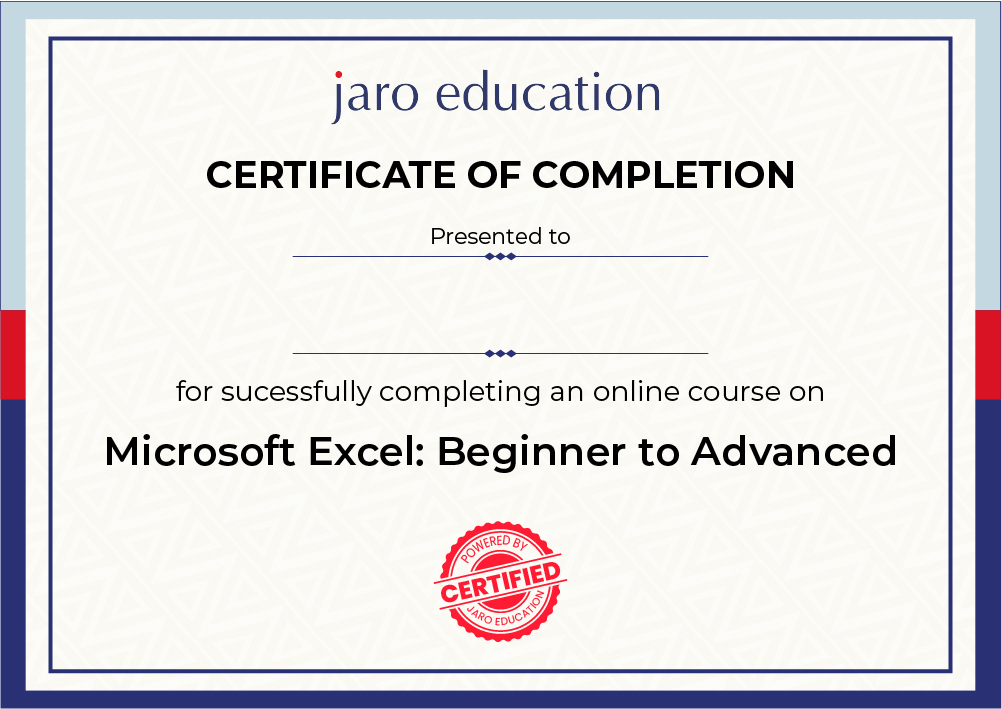
Complete the course and earn a certificate of completion that demonstrates your Excel proficiency — from foundational skills to advanced data visualisation and automation. Share it on LinkedIn or include it in your portfolio to stand out in any job application.

Verifiable ID
Unique ID for graduates.

LinkedIn Ready
Instantly shareable.

Global Standard
Recognized worldwide.

Digital & Print
High-res formats.
Our Students Work At Leading Companies





Social Proof of Excellence
Hear from over 10,000 professionals who have redefined their workflows with our expert-led program.
Why Excel Skills are a Career Essential
Excel is not just a spreadsheet tool — it is a universal language of business. Here is why mastering it gives you a lasting professional edge.
- Microsoft Excel is used by over 750 million people worldwide, making it the most widely deployed business software tool across every industry and function.
- Proficiency in Excel is listed as a required or preferred skill in more than 80% of middle-skill job postings in the United States alone, according to research by Burning Glass Technologies — and the trend is consistent globally.
- Employees with strong Excel skills — particularly in data analysis, Pivot Tables, and advanced formulas — report earning significantly higher salaries and being considered for faster promotions compared to peers who rely only on basic spreadsheet use.
- In a 2023 McKinsey study, data literacy — a core component of which is spreadsheet and tool proficiency — was identified as one of the top three capabilities organisations need to develop in their workforce to remain competitive over the next decade.
FAQs
This course is designed for anyone who uses or needs to use Excel — students, working professionals, analysts, business owners, finance teams, HR managers, and anyone who handles data in their day-to-day role. Whether you are a complete beginner or an intermediate user looking to fill gaps and learn advanced techniques, this program is structured to meet you where you are.
Perks of Jaro Learning

Expert Mentorship
Live sessions with industry leaders

Global Certificate
Industry-recognized credential

Career Support
Placement & portfolio guidance
ENROLL NOW
You Will Learn
Perks of Jaro Learning
Expert Mentorship
Live sessions with industry leaders
Global Certificate
Industry-recognized credential
Career Support
Placement & portfolio guidance